
To view your current workspace plan details like plan name, status, role, and start/end dates, follow these steps:
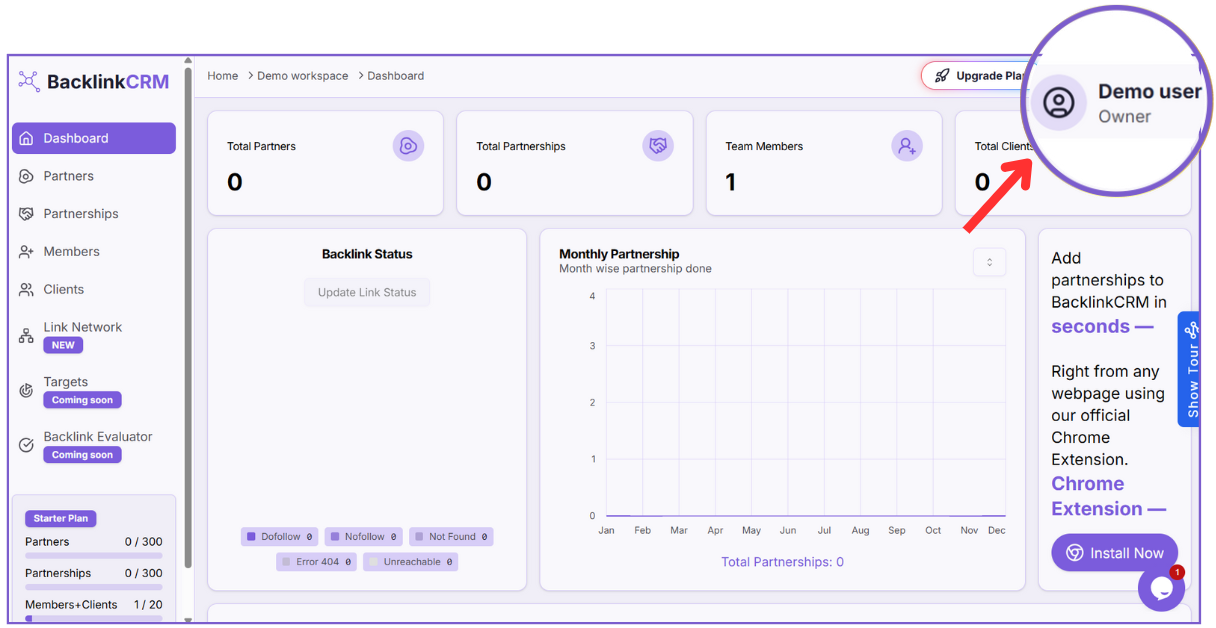
- Click on your profile name at the top right (e.g., Demo user).
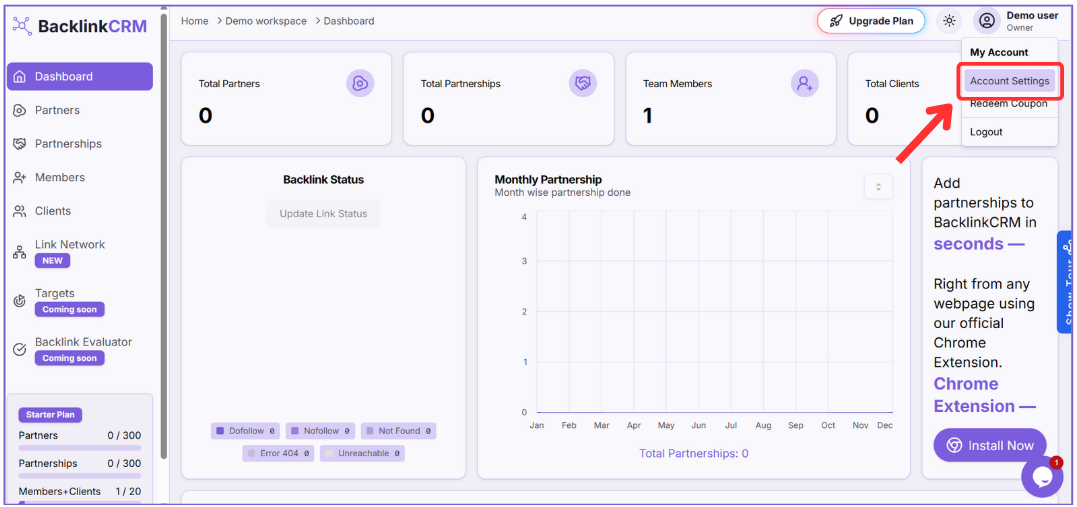
- From the dropdown menu, select Account Settings.
- Scroll down to the Workspace Information section.
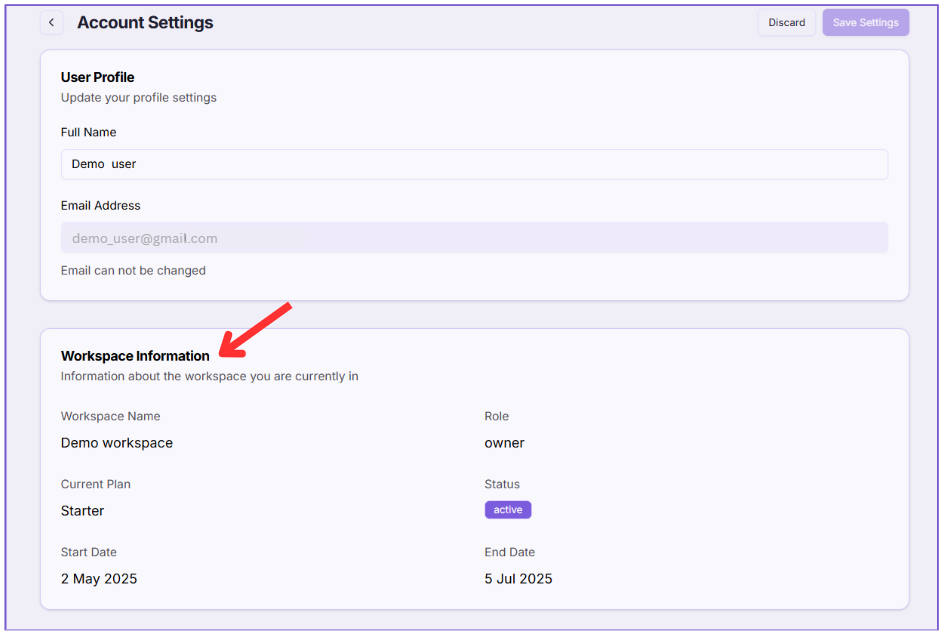
Here, you’ll find the following details:
- Workspace Name: Name of the workspace you are currently in (e.g., Demo workspace).
- Role: Your role in the workspace (e.g., Owner).
- Current Plan: The name of your active plan (e.g., Starter).
- Status: Whether the plan is active or expired.
- Start Date: When the plan started.
- End Date: When the current plan will end.
Note: This information helps you monitor your plan’s validity and decide when to upgrade or renew.