
Step 1: Welcome page #
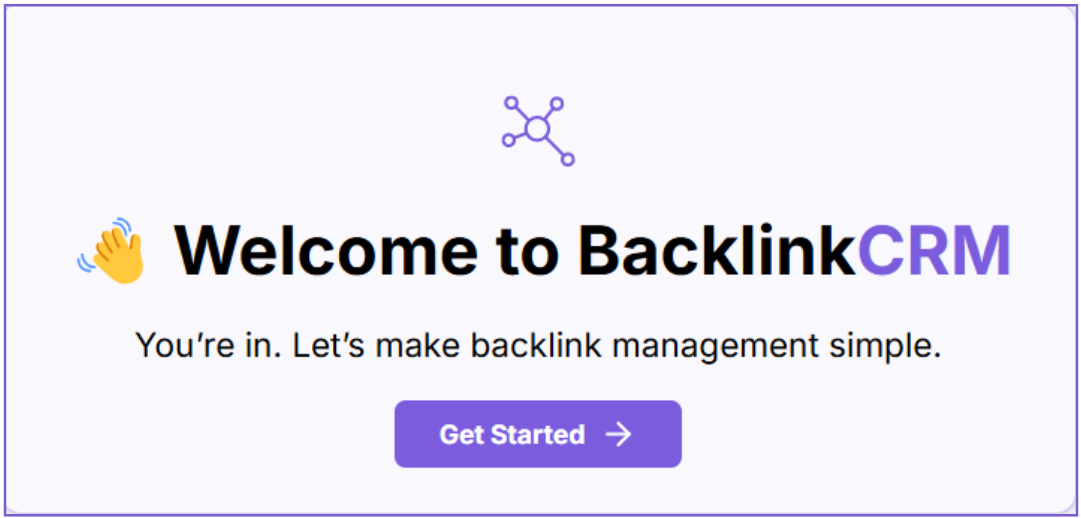
After you log in or sign up, you’ll land on the Welcome Page.
Here’s what to do:
- Click the Get Started button.
- You’ll be taken to the Create Workspace page.
Step 2: Create Workspace #
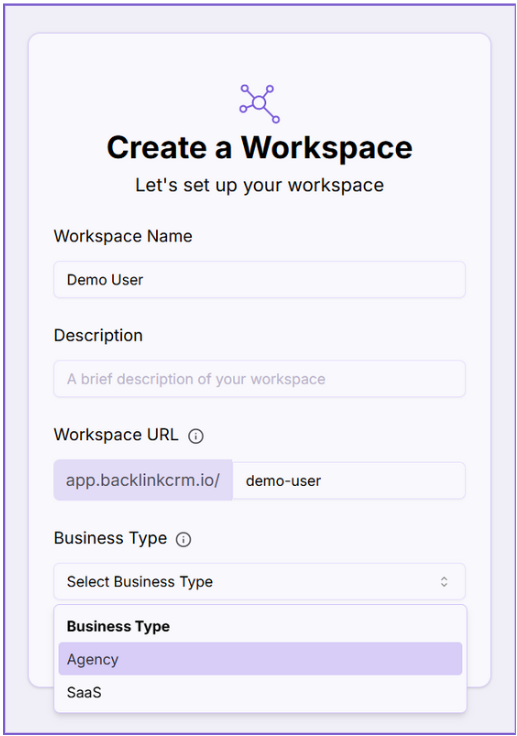
After clicking Get Started, you’ll be taken to the Create a Workspace page. This is where you set up your workspace — the main area where all your backlink activities will be managed.
Here’s what you need to fill out:
1. Workspace Name #
Give your workspace a name. This can be your name, your brand, or your team name.
2. Description #
Add a short description to help identify the purpose or focus of your workspace.
3. Workspace URL #
This will be part of your unique link (e.g., app.backlinkcrm.io/demo-user). You can customize it to match your brand or username.
4. Business Type #
Choose the type of business you’re creating the workspace for (e.g., Agency, SaaS, etc.).
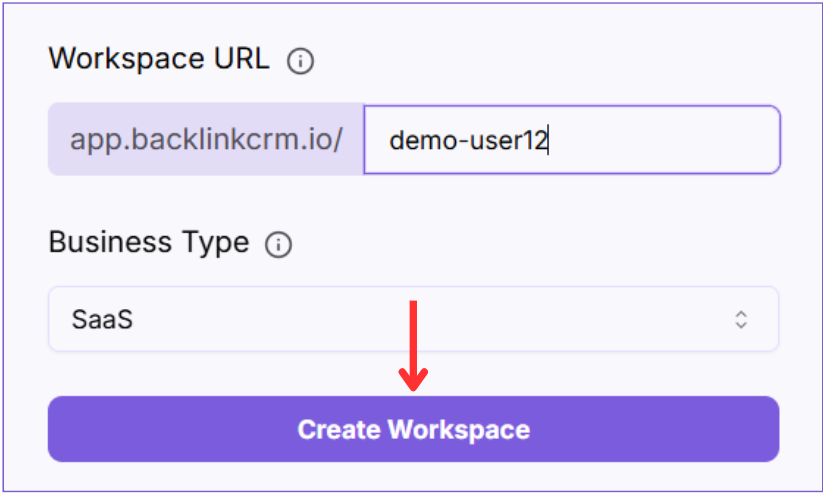
- Once filled, click Create workspace to move on to the next step.
Tip: Pick a clear and relevant workspace name — this helps keep things organized, especially when inviting others.
Note: Your Workspace URL (slug) must be unique. If it’s already taken, try a different one.
This URL will be used to access your workspace, so make it clear and easy to remember.